Web App
Simple React App in Docusaurus with flexible server/client side rendering.
Features
- React-based web application with both server and client-side rendering
- Demonstrates dynamic data fetching and hydration (see Client Side Rendering example)
- Navigation links for pages
- Easily customizable UI via Docusaurus theme configuration
Source Code
- INDEX.mdx
- Timestamp.tsx
import Timestamp from "../components/Timestamp";
import BrowserOnly from "@docusaurus/BrowserOnly";

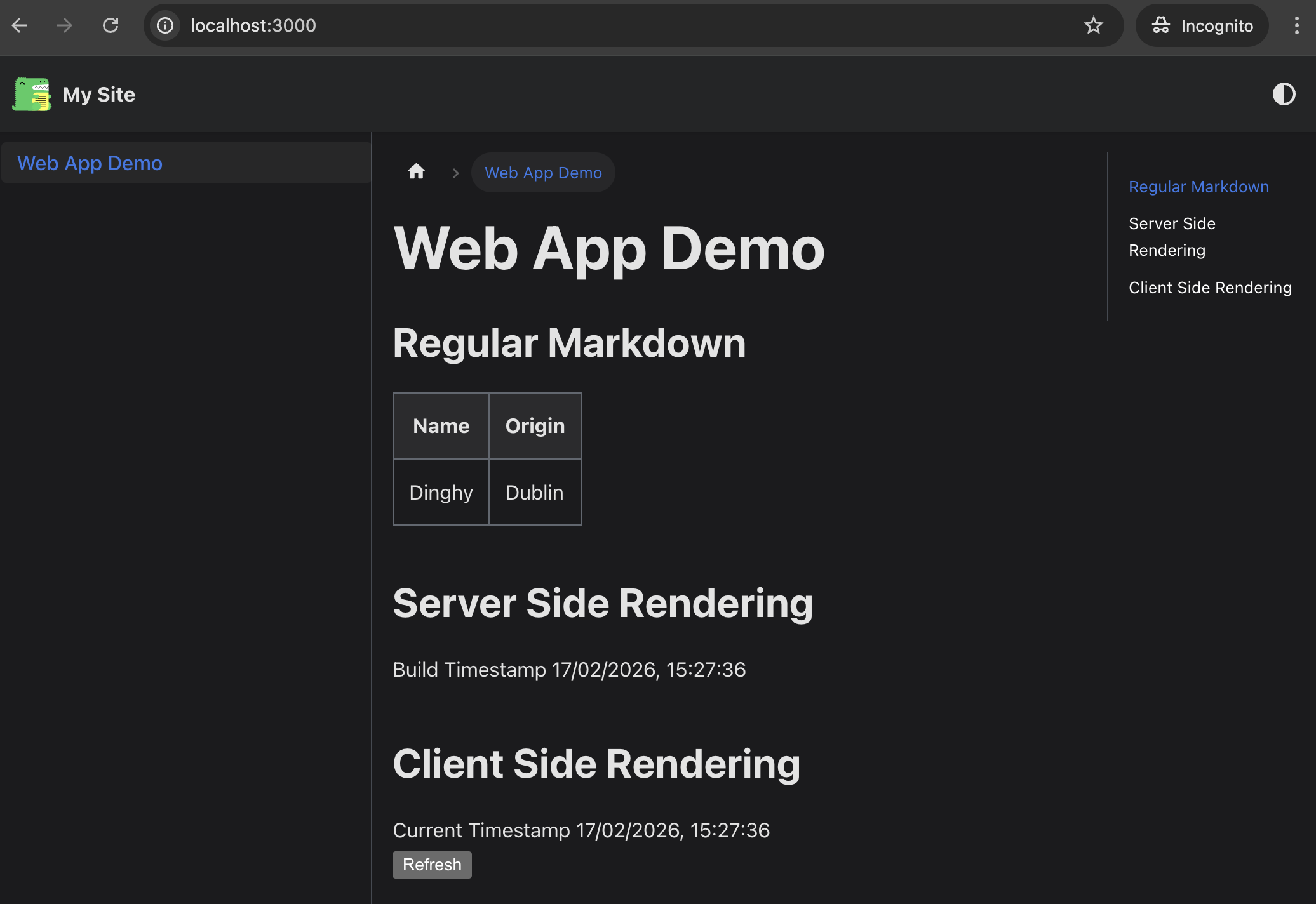
# Web App Demo

## Regular Markdown

| Name   | Origin |
| ------ | ------ |
| Dinghy | Dublin |

## Server Side Rendering

<Timestamp />

## Client Side Rendering

<BrowserOnly fallback={<div>Loading...</div>}>
  {() => <Timestamp refreshable />}
</BrowserOnly>
import { useEffect, useState } from 'react'
export default function Timestamp(
  { refreshable }: { refreshable?: boolean },
) {
  if (!refreshable) {
    return (
      <div suppressHydrationWarning>
        Build Timestamp {new Date().toLocaleString()}
      </div>
    )
  }

  const [timestampTime, setTimestampTime] = useState('loading...')
  const refreshTime = () => {
    setTimestampTime('refreshing...')
    const timestamp = new Date().toLocaleString()
    fetch(`https://httpbin.org/get?timestamp=${timestamp}`)
      .then((response) => response.json())
      .then((data) => {
        console.log('Fetched from httpbin:', data)
        setTimestampTime(data.args.timestamp)
      })
  }
  useEffect(() => {
    refreshTime()
  }, [])
  return (
    <div>
      Current Timestamp {timestampTime}
      <div>
        <button onClick={refreshTime}>Refresh</button>
      </div>
    </div>
  )
}
Steps to try
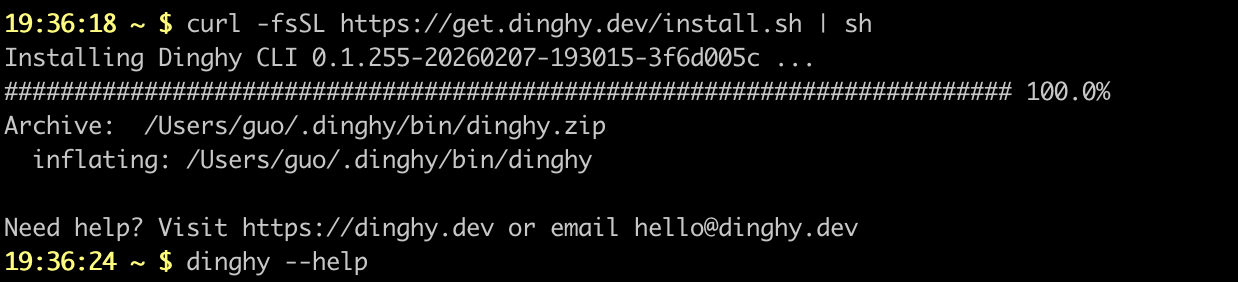
Install dinghy-cli
If you haven't already:
curl -fsSL https://get.dinghy.dev/install.sh | sh
Sample Screenshot
Prepare source code
Create src/docs/INDEX.mdx and other files with content from above.
curl -fsSL --create-dirs -o web-app/src/docs/INDEX.mdx https://raw.githubusercontent.com/dinghydev/dinghy-showcases-cloudfrontsites/main/src/docs/INDEX.mdx
curl -fsSL --create-dirs -o web-app/src/components/Timestamp.tsx https://raw.githubusercontent.com/dinghydev/dinghy-showcases-cloudfrontsites/main/src/components/Timestamp.tsx
cd web-app
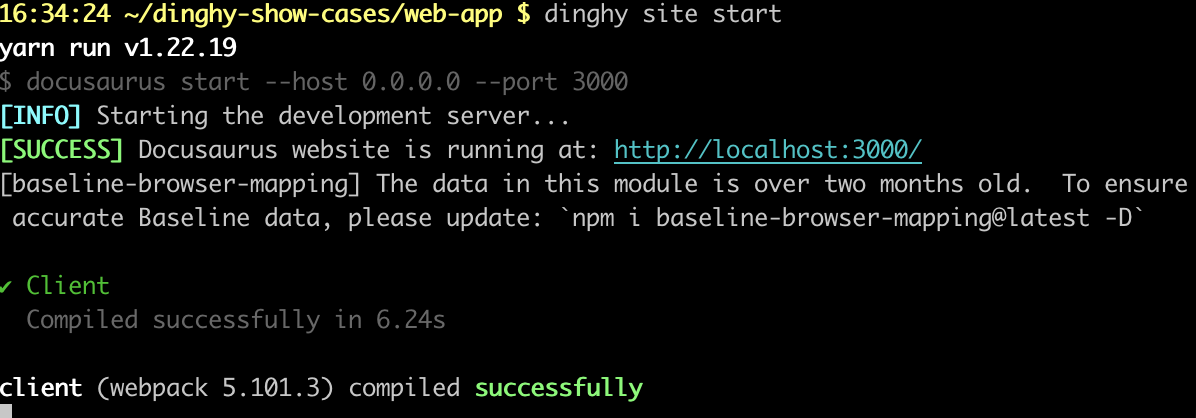
Preview site
Run dinghy site start.
dinghy site start
Sample Screenshot
Preview the site from http://localhost:3000
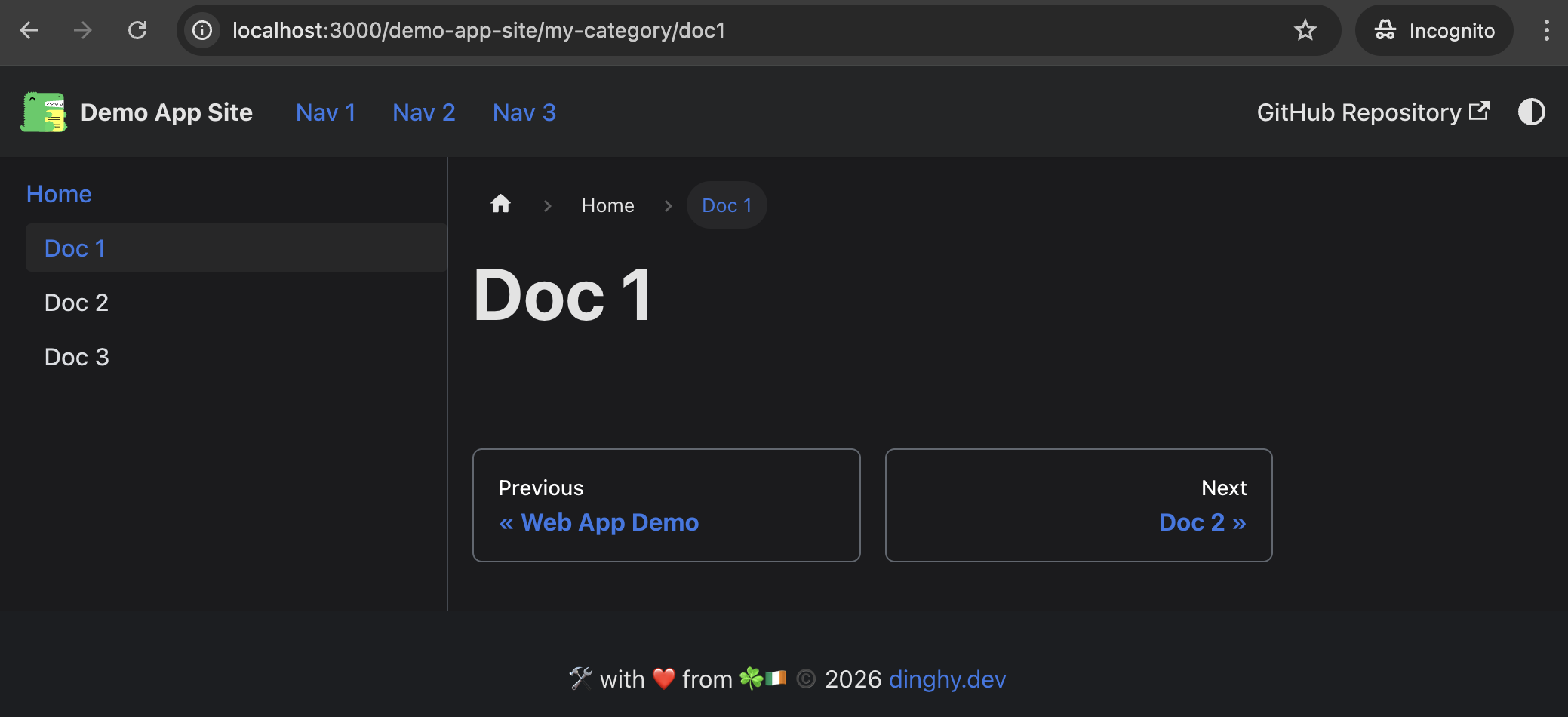
Customise site
By add configurations:
curl -fsSL -o docusaurus.config.yml https://raw.githubusercontent.com/dinghydev/dinghy-showcases-cloudfrontsites/main/docusaurus.config.yml
curl -fsSL --create-dirs -o src/docs/my-category/doc1.mdx https://raw.githubusercontent.com/dinghydev/dinghy-showcases-cloudfrontsites/main/src/docs/my-category/doc1.mdx
curl -fsSL --create-dirs -o src/docs/my-category/doc2.mdx https://raw.githubusercontent.com/dinghydev/dinghy-showcases-cloudfrontsites/main/src/docs/my-category/doc2.mdx
curl -fsSL --create-dirs -o src/docs/my-category/doc3.mdx https://raw.githubusercontent.com/dinghydev/dinghy-showcases-cloudfrontsites/main/src/docs/my-category/doc3.mdx
Then stop and start the site again. You will see updates sites with additional nav links:
Develop with devcontainer
You can launch a fully functional development environment by opening the project in a VS Code DevContainer:
dinghy dc
Build site
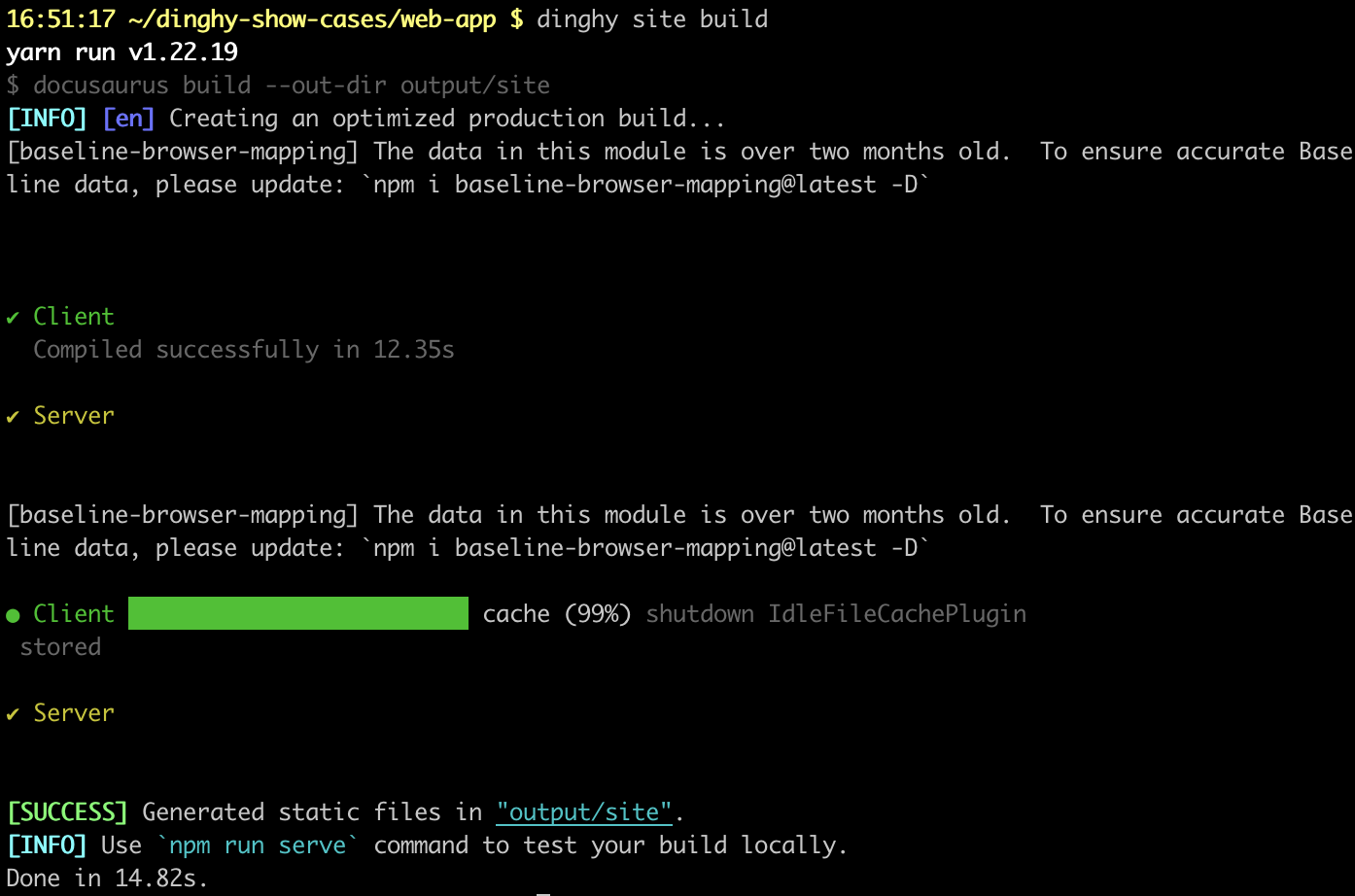
Run dinghy site build to build static distributable site.
dinghy site build
Sample Screenshot
Preivew built site
Run dinghy site serve to preview previously built site.
dinghy site site
Sample Screenshot

CI/CD
The demo web app is maintained in the dinghydev/dinghy-showcases-cloudfrontsites repository.
The Github Site CI/CD workflow  automatically publishes updates whenever changes are made to the
 src folder.
Published site at https://cloudfront-site-demo.dinghy.dev/demo-app-site/